Introduction to Coding Agents
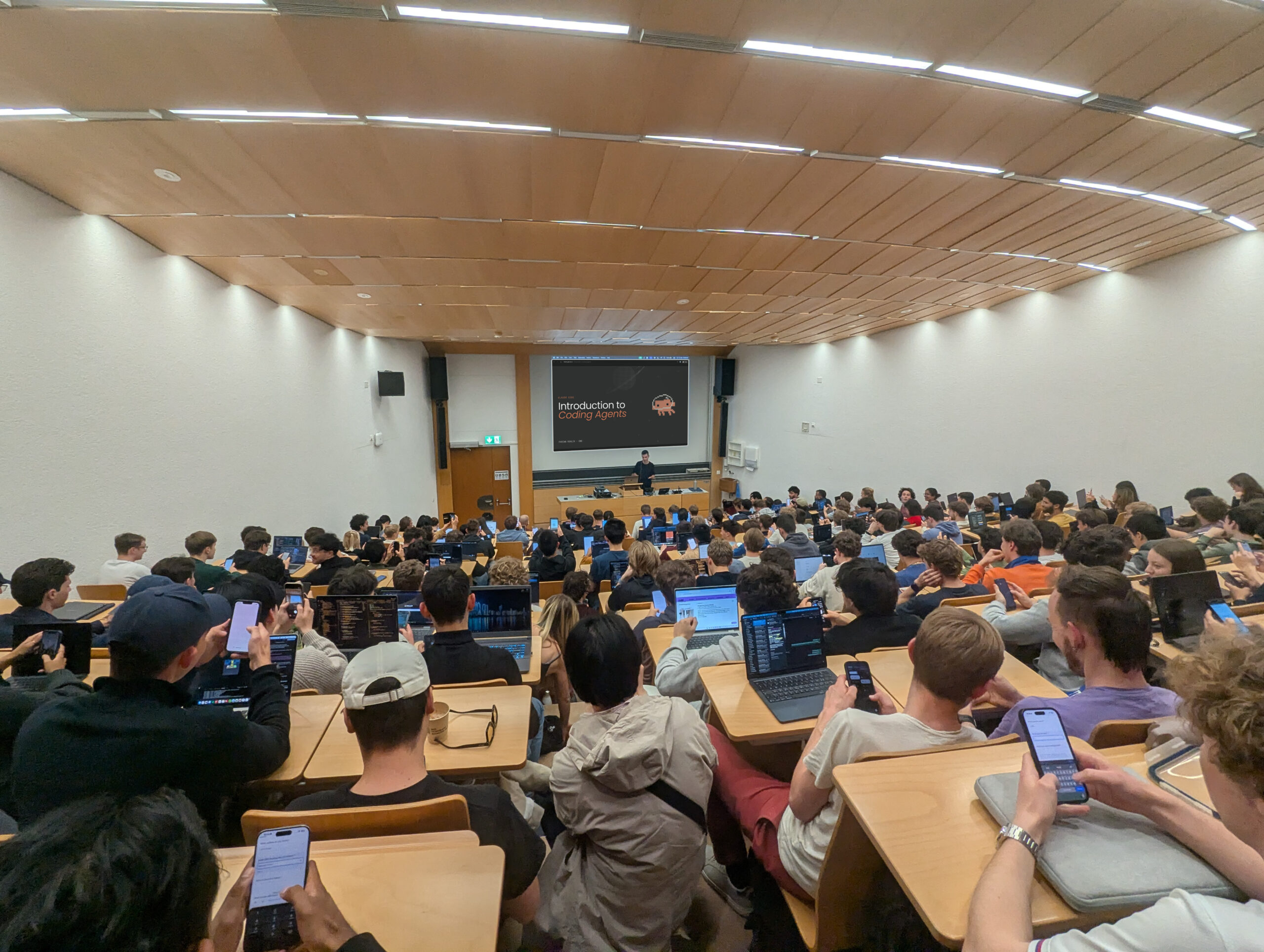 View recording
Introduction
AI-powered agentic systems are changing the way code is written, engineering is done, and eventually, how we interact with technology. Personally, I saw the leap with Claude Opus 4.5, where the perceived scale of what we can do with AI has shifted significantly. With Claude Code or the like, we can write software faster and consequently better than before.
At ETH, there haven’t been any resources for students to learn about Claude Code and the like, which is why I organized this event with the Claude Builder Club. The demand has been huge — we’ve had 150+ people show up, ranging from fellow students to company teams using it as training for employees.
I was asked by many about the slides, so here you go. I do want to emphasize, though, that I am a big fan of learning by doing, and I recommend just getting started without much of a reference. I understand, though, that this is easier said than done.
Overview
Agents
When we talk about agentic systems, we mean, in simplified terms, ChatGPT (or any other LLM system as you know it) with the ability to
- act, meaning take real-life influence on our computer or applications
- go through multiple iterations of reasoning—acting—observing (the agentic loop)
The agent (for example Claude Code, Codex, OpenCode, OpenClaw) is a layer on top of the model (for example Claude Opus 4.7, GPT 5.5) that facilitates 2 points mentioned above, meaning that the agent uses the model to implement the agentic loop mentioned above. Different agents using the same model can produce different results.
Notice that with Claude Code and Codex, “acting” mainly means reading or writing files on your computer. While great for code, I want to encourage thinking about other creative ways to use this (think organizing your files, doing your taxes by going through receipts, or chatting about documents such as lecture notes that you have).
Claude Code
You can use Claude Code through the desktop app or, as we did in the presentation, through the CLI. Everything that we cover equally applies to using the Claude Code desktop app, the Codex app, or other coding agents such as OpenCode, Cursor, Copilot, or Kilo Code. There are slight differences in naming conventions (such as AGENTS.md instead of CLAUDE.md), but the principles are the same.
There are different permission modes and commands to interact with Claude Code.
Context
For productive coding sessions, we need to manage context efficiently. Context is everything the agent has “seen” in the current conversation history. This includes your prompts, the conversation history, and the files that it reads.
Write clear and natural prompts that describe what you want solved.
Skills and Other
When prompts get long and repetitive, create a Skill to make your workflow easier. A skill is (in simplified terms) a Markdown file that contains a prompt. The agentic system can automatically decide when to use which prompt (skill), or you can call them directly using a slash command (type / in the input).
The CLAUDE.md file can be created with instructions that the agent needs to follow for the current project (or folder).
Subagents and MCP
Subagents complete tasks with an isolated context, while MCP servers allow your agent to interact with things that aren’t just files. I recommend watching the presentation or looking into these resources from the docs.